Why Project Codes and Site References Matter on Materials Invoices
 BuilderDash1 Jun 2026 8 min read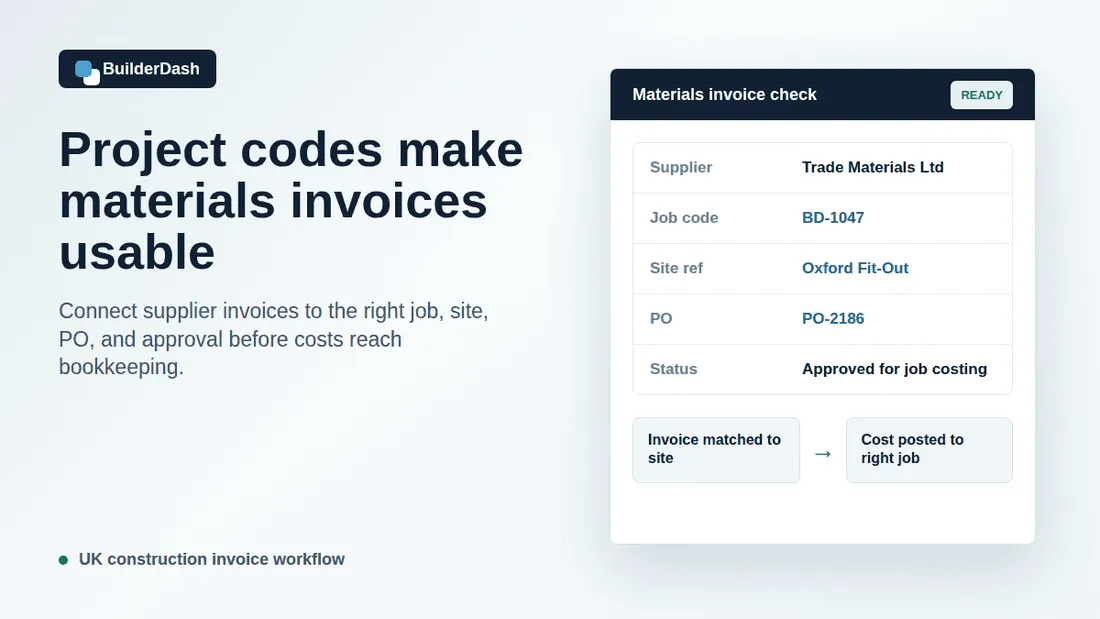
Materials invoices often look straightforward. A supplier sends an invoice for timber, fixings, plasterboard, ironmongery, flooring, paint, or hired-in items. Accounts enters the supplier name, date, invoice number, VAT, and total. The cost is posted, paid, and filed.
The problem is not usually the invoice format. The problem is whether the invoice clearly says which job, site, purchase order, delivery, or phase the cost belongs to.
For small and mid-sized UK contractors, fit-out firms, refurbishment teams, and maintenance businesses, that detail matters. A materials invoice without a clear project code or site reference can still be valid, but it is harder to check, harder to approve, and less useful for job costing.
When materials invoices arrive without context, accounts has to chase. Project managers have to remember what was ordered. Directors end up approving costs without a clean view of where the money has gone. By the time the issue appears in bookkeeping, the job costing picture may already be messy.
Why materials invoices lose their context
Materials ordering rarely happens in one tidy office workflow. Items are ordered from site, over the phone, by email, through supplier portals, or from trade counters. A project manager might place the order. A site supervisor might collect materials. An office administrator might raise the purchase order after the fact. A supplier might use its own delivery note number instead of the contractor’s job reference.
That creates common gaps:
- The supplier invoice mentions a delivery address but not the job code.
- The purchase order exists, but the invoice does not quote it.
- The invoice covers materials for more than one job.
- The delivery note is signed on site but never attached to the invoice check.
- The description is too vague to confirm which phase or variation the cost belongs to.
- The invoice lands in accounts before the project team has confirmed the order.
None of these problems is dramatic on its own. The damage comes from repetition. If the business has to decode every materials invoice manually, month-end reporting slows down and job cost reports become less reliable.
A site reference is not just admin detail
A clear site reference tells the business where the cost belongs.
For a contractor running several jobs at once, the same supplier might deliver similar materials to different sites in the same week. Without a clear site reference, an invoice for plasterboard, timber, insulation, or fixings can be hard to allocate. The person in accounts may know the supplier, but not the site context. The project manager may know the site, but not the invoice number.
That gap creates avoidable questions:
- Was this order for the correct project?
- Was it part of the original scope or a variation?
- Did it relate to snagging, remedials, or additional works?
- Was it delivered to the site, collected from the branch, or redirected?
- Should it be coded to materials, plant, prelims, or another cost heading?
When the site reference is visible from the start, the invoice can move through review with fewer interruptions.
Project codes make job costing more useful
Job costing depends on costs being allocated consistently. If materials invoices are posted to the wrong project, or parked in a general suspense code until someone checks them later, the job report stops being a reliable operating tool.
That matters because project teams use job costing to make decisions while the work is still live. They need to know whether materials spend is tracking against the agreed scope, whether a package is drifting, and whether a variation needs to be recovered.
If project codes are inconsistent, the report may still look tidy in bookkeeping, but it will not answer the operational question: are we making money on this job?
Good project coding helps answer:
- Which job carried the materials cost?
- Which phase, package, or cost heading does it relate to?
- Was the cost expected against an approved purchase order?
- Has the cost already been allowed for in the job forecast?
- Is there a variation or recharge to raise?
The code does not need to be complicated. It needs to be clear enough that accounts, project managers, and directors are looking at the same job position.
Materials invoices need a link back to the purchase order
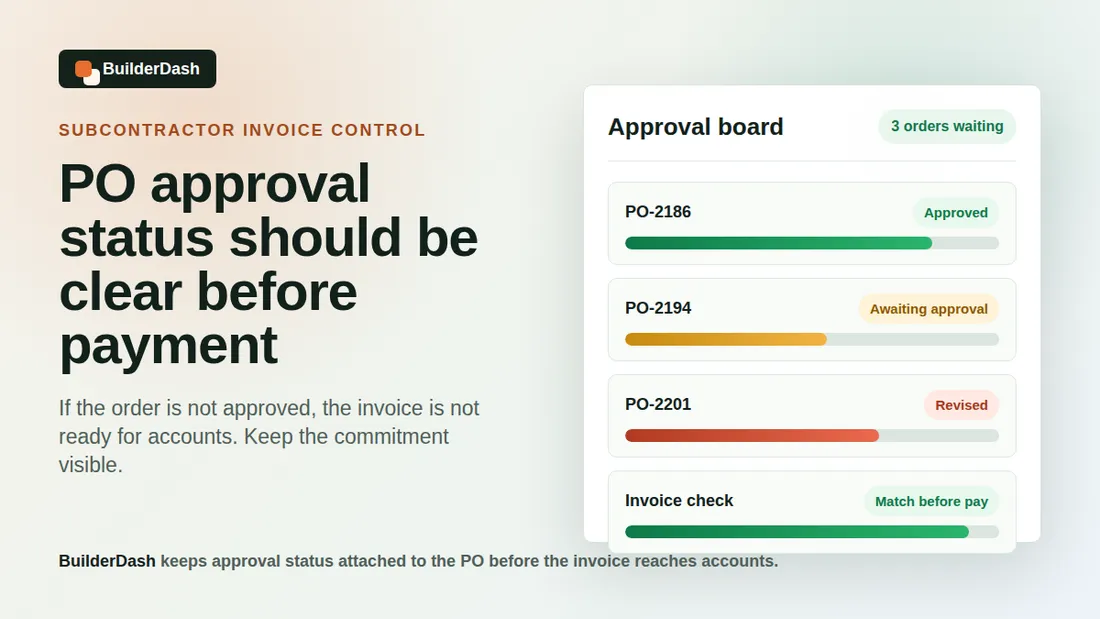
Purchase orders are most useful when they carry through to the invoice check.
If a purchase order is raised with the right job reference, supplier, description, expected value, and delivery details, the invoice can be checked against it before it reaches bookkeeping. Accounts can see what was ordered. The project team can confirm whether the goods were received. Directors can approve exceptions instead of trying to review every invoice from scratch.
The check should be practical:
- Does the invoice quote the purchase order number?
- Does the supplier match the purchase order?
- Does the invoice value match the approved order or agreed tolerance?
- Does the delivery address or site reference match the job?
- Are extra items, split deliveries, or substitutions clear?
- Has the project team confirmed receipt or queried the invoice?
If the invoice does not connect to the purchase order, the business loses much of the control the purchase order was meant to create.
Watch for split deliveries and mixed-job invoices
Materials suppliers often work around site realities. A single order may be split across several deliveries. A branch may part-deliver stock and complete the rest later. A contractor may collect extra items while already at the trade counter. A supplier invoice may include lines for more than one job if the account is used heavily.
These are normal situations, but they need clear references.
Mixed-job invoices are especially risky. If one invoice includes materials for two sites, the total should not be coded blindly to the first project mentioned. The invoice needs splitting or annotating so each job carries the right cost.
Useful checks include:
- Are there multiple delivery addresses on the invoice?
- Do the line descriptions suggest different sites or packages?
- Are there several delivery note numbers attached?
- Has one supplier account been used for several live jobs?
- Does the purchase order cover all the invoice lines, or only part of them?
This is where a connected approval workflow saves time. The invoice can be reviewed with the purchase order, delivery note, and job reference together, rather than being passed around as a standalone PDF.
Standardise references before automating
Before trying to automate invoice processing, contractors should agree how references are used.
Automation cannot fix unclear source data by itself. If project codes are inconsistent, site names vary from one person to the next, and purchase order references are optional, software will only move the confusion faster.
A simple standard is usually enough:
- Every job has a clear job code or project reference.
- Every site has a consistent name or short reference.
- Every purchase order includes the job and site reference.
- Suppliers are asked to quote the PO number on invoices.
- Delivery notes are attached or matched before approval.
- Mixed-job invoices are split or clearly marked before posting.
The aim is not to make site teams do office paperwork for its own sake. The aim is to make sure a cost can be checked once, with the right context, instead of being queried repeatedly.
How BuilderDash helps
BuilderDash helps contractors keep purchase orders, approvals, invoices, job references, and supporting information connected.
For materials invoices, that means the invoice check does not have to start with a blank PDF in an inbox. The business can connect the invoice back to the purchase order and job reference, review whether the cost belongs to the right site, and keep status visible while accounts, project teams, and directors do their part.
That does not remove the need for judgement. Someone still has to confirm whether the materials were ordered, received, and correctly charged. BuilderDash makes that judgement easier by keeping the relevant information together.
A practical checklist for materials invoices
Before a materials invoice is approved for bookkeeping, check:
- Is the project code or job reference clear?
- Is the site reference or delivery address specific enough?
- Is there a matching purchase order?
- Does the invoice quote the purchase order number?
- Are delivery notes or goods-received details available?
- Are any lines for another job, phase, or variation?
- Has the project manager or site lead confirmed the invoice where needed?
- Is the approval status clear before accounts posts the cost?
If those checks cannot be answered quickly, the invoice may need review before it enters the financial record.
Cleaner references make cleaner decisions
Project codes and site references are not just accounting labels. They are the link between the work happening on site and the numbers directors rely on when they review margin, cash flow, and job performance.
When materials invoices arrive with clear references, accounts can process them faster, project managers can approve them with better context, and job costing becomes more useful while the job is still live.
That is the practical value of tightening the materials invoice workflow. It helps the business know what was ordered, where it went, who approved it, and which job should carry the cost.
Run your projects properly with BuilderDash.
One system for every enquiry, job, quote and invoice - built for project-based trades, not reactive call-outs.