
How to Capture Site Receipts Before Small Purchases Go Missing
 BuilderDash25 Jul 2026 3 min read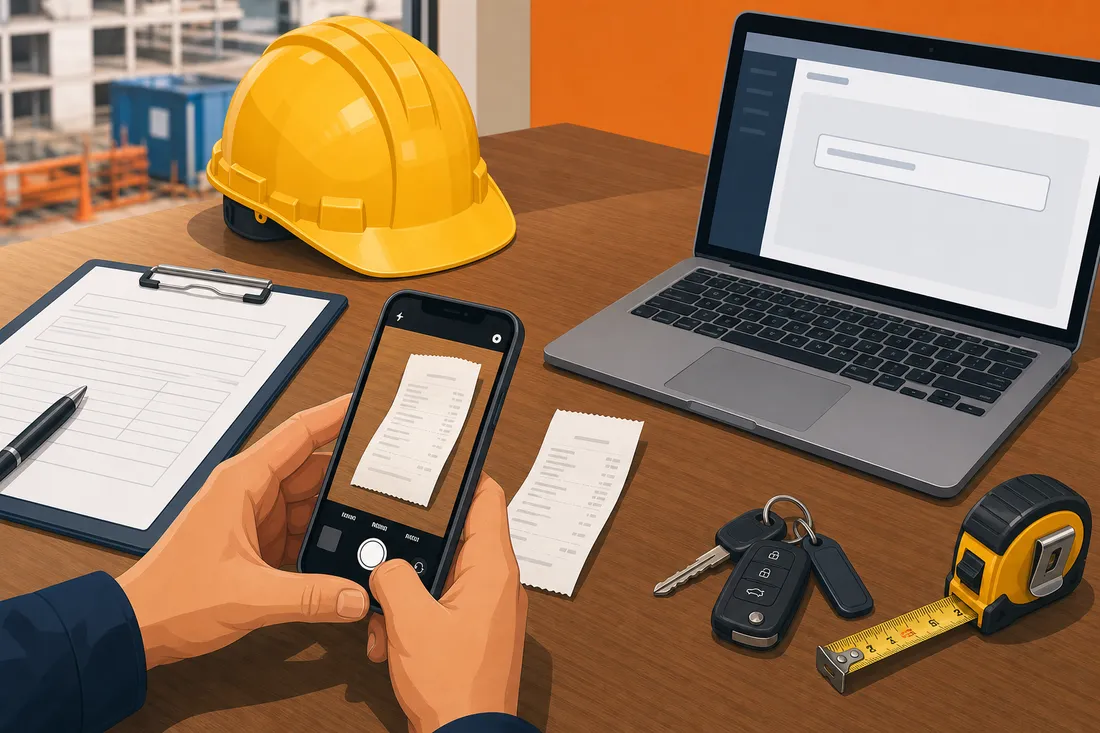
Why small receipts create bigger problems than they look
A receipt for a pack of fixings, a blade set, a site lunch, or a last-minute merchant counter purchase can feel too small to matter. In practice, those little spends are where job costing starts to drift.
If the cost is not captured straight away, it gets mixed into overheads, posted to the wrong job, or left in a glovebox until nobody remembers what it was for. By the time accounts sees it, the paper trail is thinner and the decision is harder to explain.
Capture the receipt at the point of purchase
The simplest rule is also the most reliable: capture the receipt while the spend is still in front of you.
- Use the BuilderDash mobile app to snap the receipt at the till or counter.
- If you are on web, upload the photo or PDF into the Receipt Hub.
- If the receipt arrives by email, forward it into the workspace instead of parking it in an inbox.
- If mobile signal is patchy, let the app queue the photo and upload it when the connection returns.
That way, the receipt is in BuilderDash before it disappears into a van door pocket or the bottom of a boot bag.
Add the job reference before the paper goes missing
A receipt only helps job costing if it is tied to the right project.
Record the job, supplier, and what the purchase was for while the context is still fresh. If the item belongs on a live job, tag it there instead of leaving it as a generic office cost.
A good habit is to write the job reference at the same time as the photo is taken. If the purchase might belong to more than one job, note that straight away so the office does not have to guess later.
Keep mixed receipts simple
Most receipts should stay as one total. You do not need to itemise every small spend.
Itemise only when a receipt genuinely mixes VAT rates or covers different cost categories. Otherwise, a single net, VAT, and gross total is easier to review and less likely to slow the approval step down.
Let one person confirm before it hits Xero
Capture can happen on site, but confirmation should stay with someone who can check the record properly.
The office user with confirm access should compare the receipt file with the supplier, date, and amounts, then set the project, category, and tax code before confirming it. BuilderDash then pushes a draft bill to Xero with the original file attached and the project reference written onto it.
That keeps the receipt in the right place for both accounts and job costing without making the site team learn the accounting detail.
Keep site, accounts, and the job record aligned
The point of the workflow is not to make receipts feel more formal. It is to stop little costs from turning into missing costs.
When the team follows the same rule every time:
- small spends stay attached to the right job
- accounts gets a cleaner bill file
- the project margin reflects reality sooner
- month end turns into review, not detective work
How BuilderDash helps
BuilderDash Receipt Hub is built for this exact handoff. Anyone can capture a receipt on web or mobile, and someone with confirm access can check it and push it through to Xero as a draft bill with the file attached.
The result is a simple commercial record: the receipt lives with the job, the job reference stays visible, and project profit is less likely to be distorted by stray card payments and forgotten bits of paper.
Suggested internal links
- read, confirm and push to Xero
- manage job documents and site pictures
- How to create and send purchase orders
- What to Do When an Invoice Arrives Without a PO Number
Call to action
If site receipts are still living in pockets, WhatsApp threads, or the cab of a van, tighten the process before the month-end chase starts. BuilderDash helps you capture the receipt, attach it to the right job, and push a checked draft bill to Xero in one workflow.
Run your projects properly with BuilderDash.
One system for every enquiry, job, quote and invoice - built for project-based trades, not reactive call-outs.


