What Construction Businesses Should Standardise Before Automating Accounts
 BuilderDash7 Jun 2026 8 min read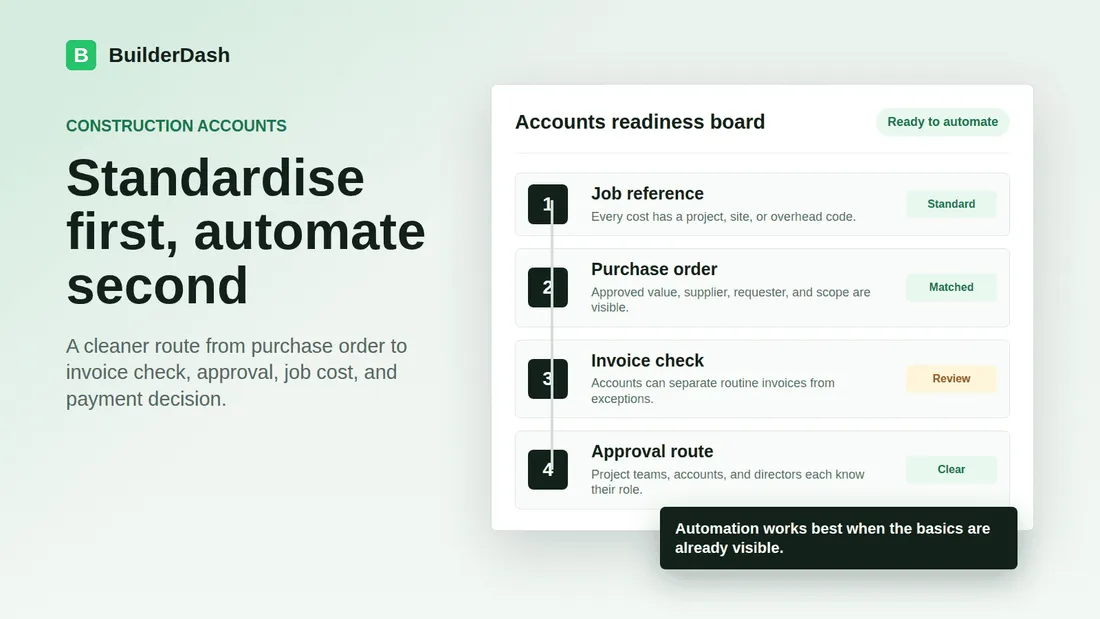
Accounts automation is attractive because the pain is obvious. Supplier invoices sit in inboxes. Subcontractor claims need checking. Purchase orders are approved in one place and queried in another. Month end turns into a chase around project managers, directors, and accounts.
Software can help, but it will not fix a messy process by itself. If the business has no clear rule for job references, approval limits, purchase order status, or exception handling, automation usually just moves confusion faster.
For UK contractors, fit-out firms, refurbishment teams, and subcontractors, the better question is not "what can we automate?" It is "what should be standard before automation touches it?"
Start with the cost record
Every construction accounts workflow needs a clear cost record. That sounds basic, but many invoice problems start because the invoice arrives without enough context.
Before automating invoice processing, decide what has to be visible for each cost:
- Supplier or subcontractor name.
- Invoice number and invoice date.
- Job code, project reference, or site reference.
- Purchase order number where one exists.
- Description of what was ordered or claimed.
- Expected value and invoice value.
- Person responsible for checking the cost.
- Approval status and approval date.
If those details are optional, accounts will keep chasing. If they are standard, automation has something useful to work with.
Agree the job reference rule
Job references are not admin decoration. They decide where costs land.
If a materials invoice has no project code, accounts has to guess, ask the site team, or park the invoice until someone answers. If the wrong job is selected, job costing becomes less reliable. If the invoice sits unposted, month-end reports lag behind site reality.
A simple rule helps: no cost should move through accounts without a clear job, site, or overhead reference.
That rule should apply to purchase orders, supplier invoices, subcontractor claims, delivery notes, and credit notes. It should also explain what happens when a cost genuinely belongs to more than one job. Without that, automation may post quickly but still post badly.
Standardise purchase order expectations
Purchase orders are one of the strongest controls a small construction business can put in place before automating accounts.
The PO does not need to be complicated. It needs to answer the questions accounts will later ask:
- Who requested the order?
- Which job or site is it for?
- What supplier or subcontractor is being used?
- What was approved?
- What value was approved?
- Who approved it?
- Has it already been partly invoiced?
If purchase orders live in emails, WhatsApp messages, or a spreadsheet that only one person trusts, invoice automation will struggle. The invoice may be captured, but the check against the approved spend still becomes manual chasing.
Standardising the PO workflow means the invoice arrives into a business that already knows what it agreed to buy.
Define what counts as a match
Many accounts delays come from a vague idea of whether an invoice "matches" a purchase order.
Before automation, decide what a good match means. For example:
- The supplier name is the same.
- The invoice is linked to the correct PO.
- The invoice value is within the approved amount.
- The description broadly matches the order.
- The job reference is present and correct.
- Delivery or completion has been confirmed where needed.
Then decide what happens when those conditions are not met. An invoice with no PO is different from an invoice that is 2 percent over the approved value. A subcontractor claim against a partial valuation is different from a supplier invoice with no site reference.
Automation is useful when it can separate routine invoices from exceptions. It is less useful when every mismatch is treated as a one-off judgement call.
Set approval limits before routing invoices
Approval routing should not depend on who happens to open the email first.
Contractors should agree simple approval rules before automation is switched on:
- Who can approve purchase orders?
- What value can each person approve?
- Which costs always need director review?
- Who checks delivery, completion, or site acceptance?
- What happens when the approver is unavailable?
- Which costs can accounts process without director involvement once the PO and evidence match?
The point is not to create a heavy corporate process. The point is to stop routine invoices being escalated to directors simply because the system does not know the correct route.
Clear approval limits make automation more practical. They also make exceptions easier to defend because the business can show why a cost was approved, queried, or escalated.
Separate invoice validity from payment timing
Construction businesses often mix two different decisions: is this invoice valid, and should we pay it now?
That creates confusion. Accounts may hold back processing because cash is tight. Directors may delay approval because they are thinking about payment timing. Project teams may assume an invoice is disputed when it is really waiting for a payment decision.
Before automating accounts, separate the workflow:
- First, check whether the invoice is valid, correctly referenced, and supported.
- Then decide when it should be paid based on terms, cash flow, supplier priority, and any commercial issues.
This distinction matters for job costing. A valid invoice should be visible against the job even if the payment decision comes later. Otherwise project reports can look healthier than they really are.
Build a short exception list
Not every invoice should follow the same route. The business should define common exceptions before automating:
- No purchase order.
- Missing job or site reference.
- Invoice value above approved PO value.
- Partial invoice or staged subcontractor claim.
- Duplicate invoice number.
- Supplier statement mismatch.
- Unclear VAT treatment or document quality issue.
- Cost linked to a variation, contra charge, or recharge.
Each exception needs an owner. Accounts can identify the issue, but the site team, project manager, commercial lead, or director may need to resolve it.
If exceptions have no owner, automation will create a cleaner queue, but the same invoices will still sit unresolved.
Decide what evidence is required
Some costs need more than an invoice and a PO.
Materials may need delivery confirmation. Plant hire may need off-hire dates. Subcontractor claims may need valuation checks. Maintenance work may need job completion notes. Fit-out variations may need client approval before the cost is accepted as recoverable.
Before automating, agree what evidence is required for different cost types. Keep it practical. A small contractor does not need a document pack for every minor invoice, but higher-risk costs should not rely on memory.
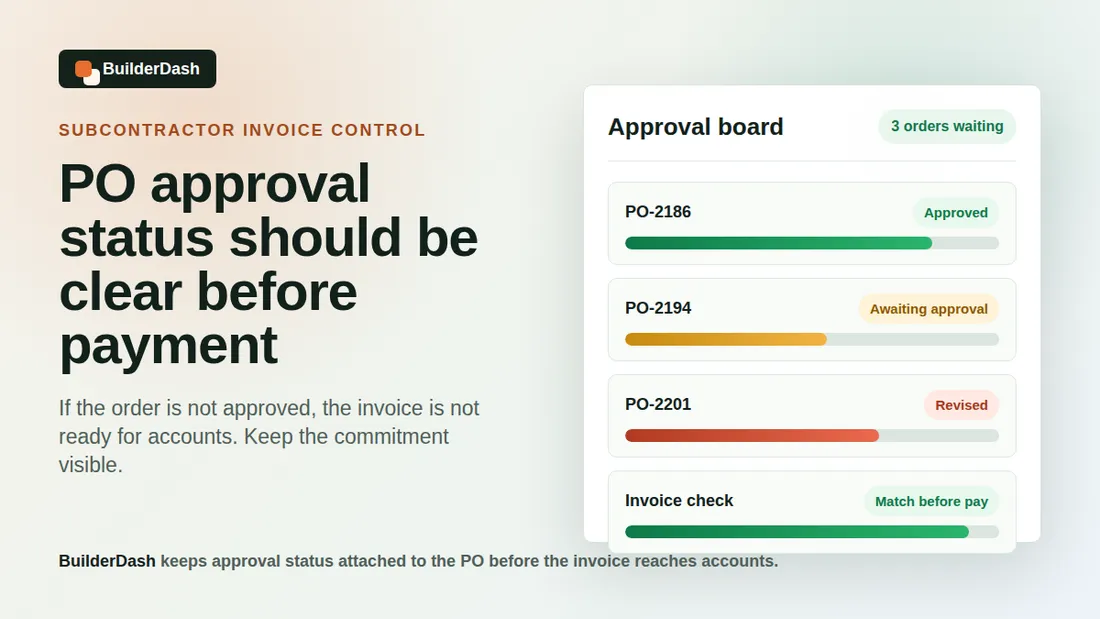
BuilderDash is useful here because supporting information can sit with the PO, approval, invoice check, and job reference, rather than being buried in separate messages.
Keep the workflow visible
Automation should make work visible, not hidden.
Accounts should be able to see which invoices are waiting for job references, which need PO approval, which are with project managers, which need director review, and which are ready for bookkeeping. Project teams should be able to see what is waiting on them. Directors should be able to see exceptions without being pulled into every routine check.
That visibility is often more valuable than speed alone. If the workflow is visible, the business can manage delays before month end, supplier runs, or cash flow reviews become stressful.
How BuilderDash helps
BuilderDash helps construction businesses standardise the accounts workflow around purchase orders, approval status, invoice checks, job references, and supporting information.
Instead of treating invoice automation as a separate accounts tool, BuilderDash connects the operational detail that accounts needs before an invoice can be processed properly. The business can see whether a PO exists, whether it was approved, which job it belongs to, who needs to check the invoice, and whether the cost should be treated as routine or exceptional.
That does not remove commercial judgement. It gives the judgement a better structure.
A practical readiness check
Before automating more of your accounts process, look at the last twenty supplier invoices and subcontractor claims. For each one, ask:
- Was the job reference clear?
- Was there a purchase order where one should have existed?
- Was the approval status visible?
- Could accounts see who needed to check the cost?
- Was the invoice value easy to compare with the expected value?
- Were partial invoices or previous claims easy to spot?
- Was the payment decision separate from the invoice validity check?
If the answers are inconsistent, start by standardising the workflow. Automation will work better once the business has agreed what good information looks like.
Standard first, automate second
The best accounts automation is not just faster data entry. It is a cleaner route from purchase order to invoice check, approval, job cost, and payment decision.
For construction businesses, that route depends on practical standards: clear job references, visible POs, defined approval limits, known exception rules, and the right supporting evidence.
Once those are in place, software can do more than move invoices around. It can help the business control spend before costs hit bookkeeping.
Related reading: Construction purchase order software, why project codes and site references matter, and reducing end-of-month invoice chasing.
BuilderDash can help: Use BuilderDash to standardise purchase orders, approvals, invoice checks, job references, and exception handling before automating more of your construction accounts process.
Run your projects properly with BuilderDash.
One system for every enquiry, job, quote and invoice - built for project-based trades, not reactive call-outs.